Practice 1: Red vs. Blue (A1 – 2)

Practice 1

Portrait + Likeness

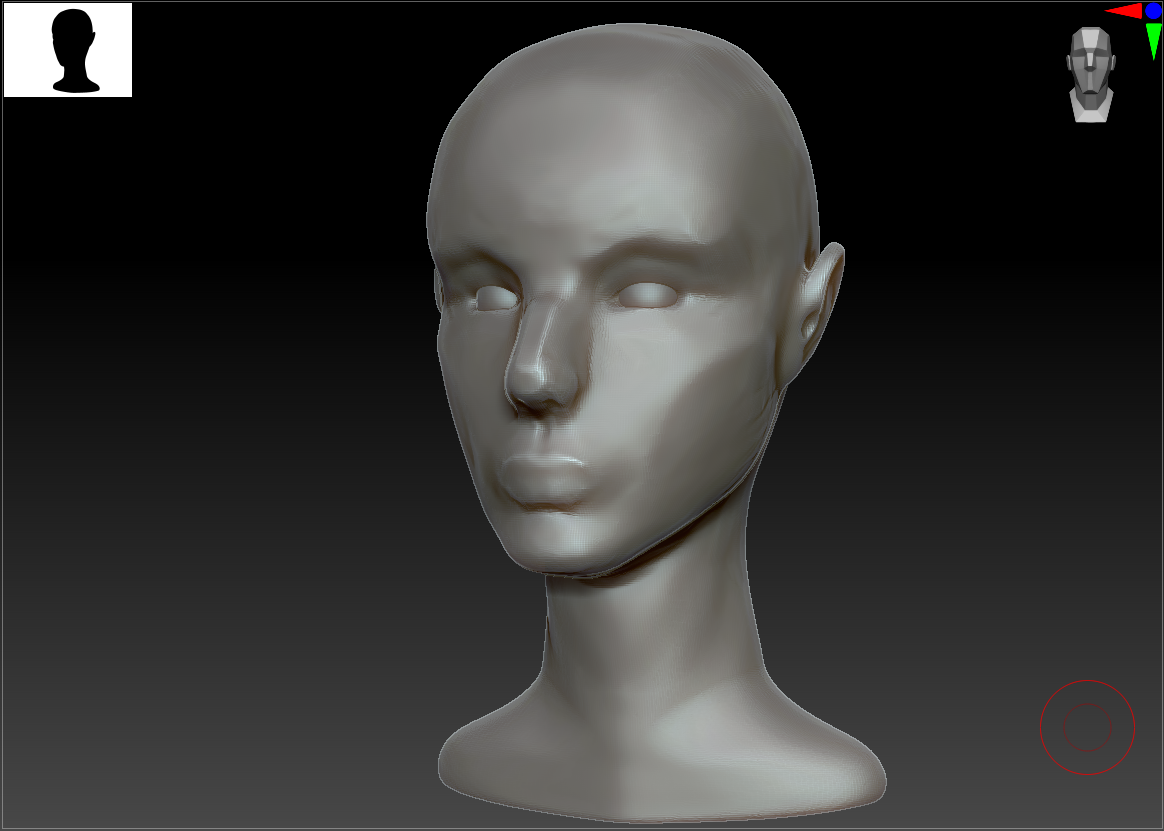
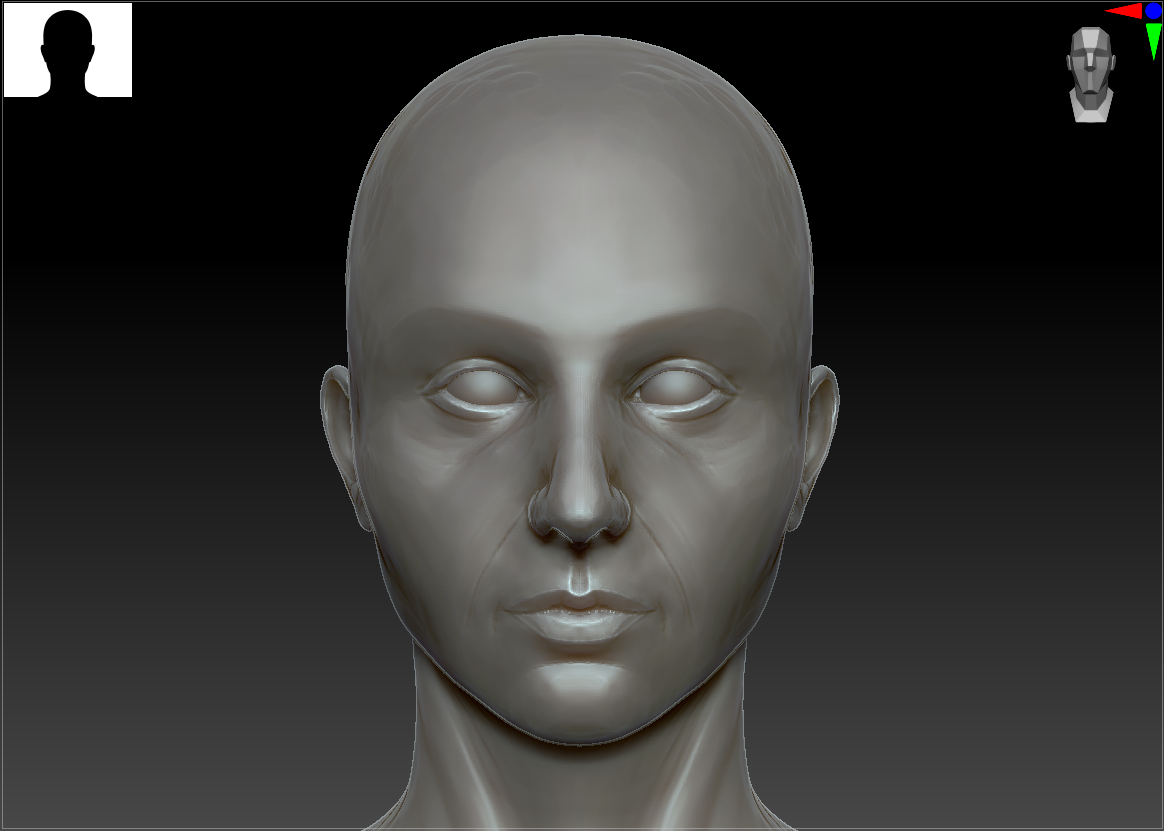
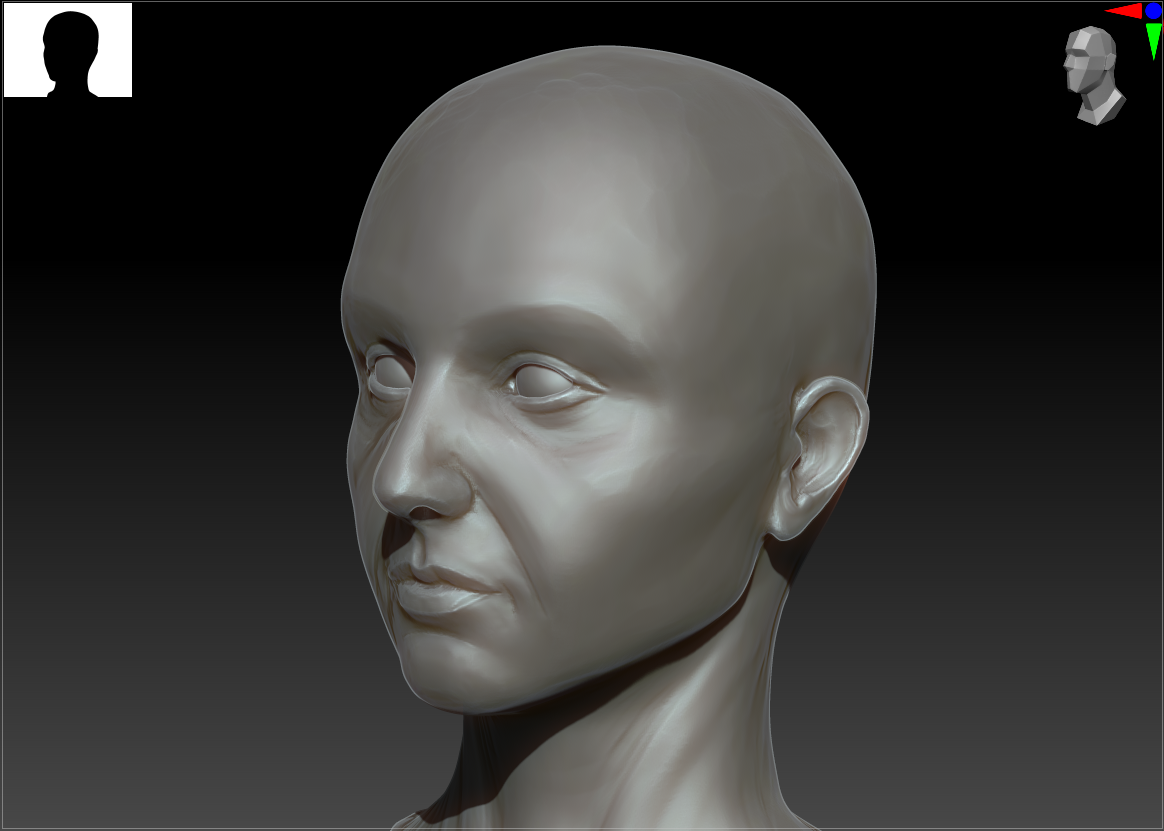
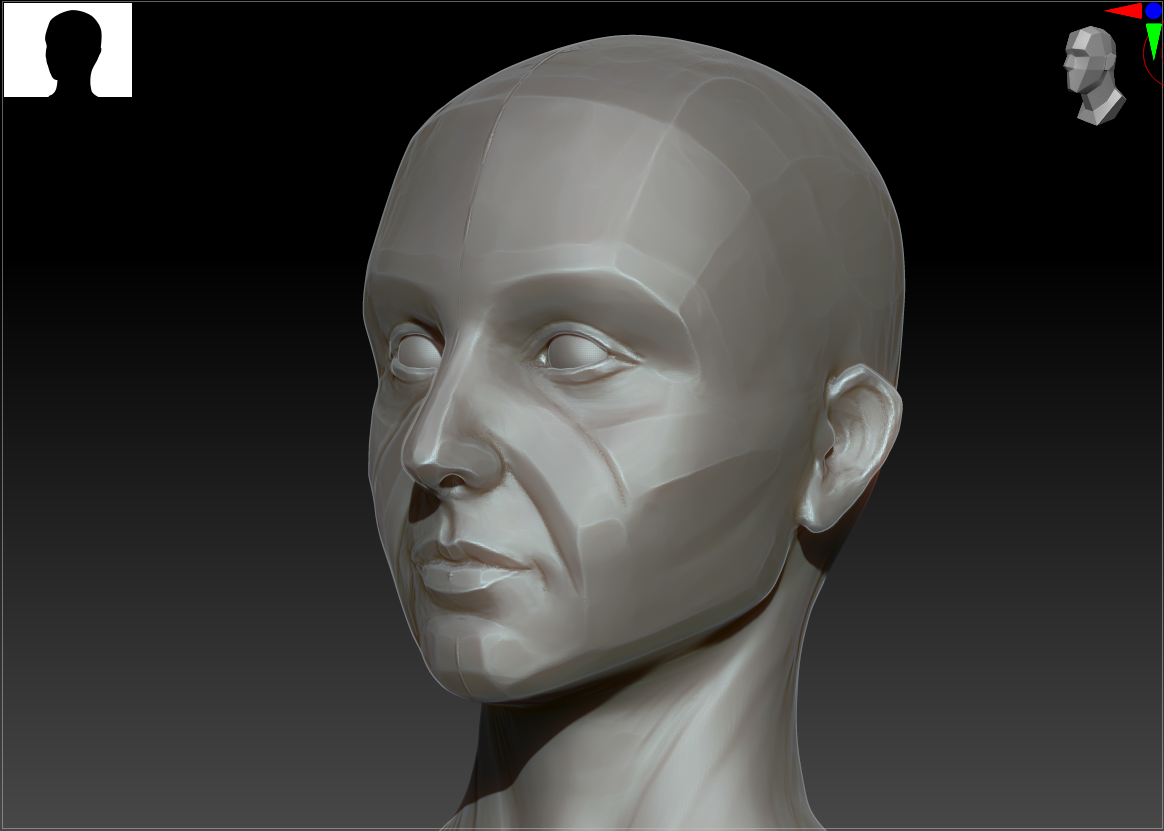
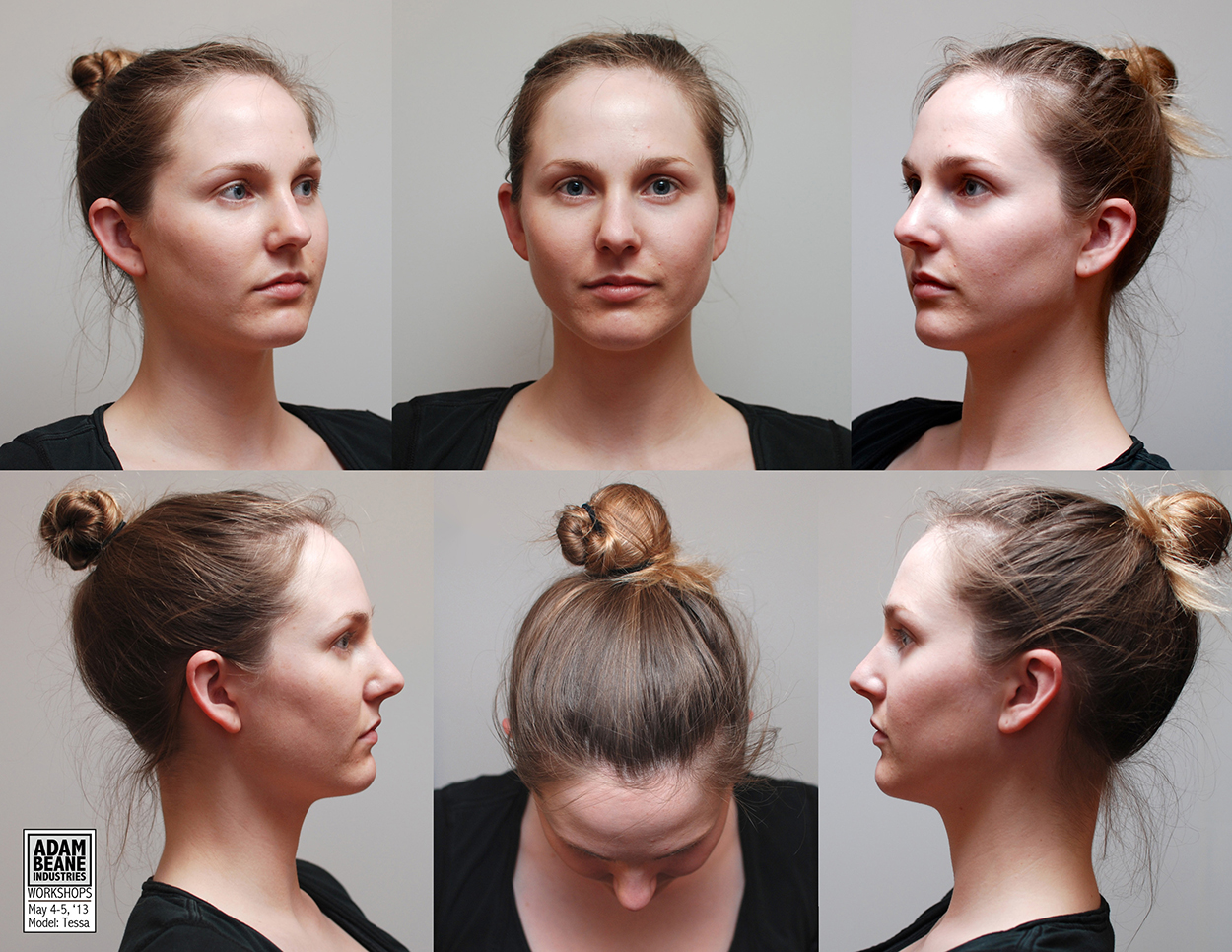
I first wanted this piece to be an exercise in facial/skull anatomy, so I started the face from scratch as a sphere in ZBrush. It’s roughly based on a set of turnaround images I found from a live-sculpting course (Adam Beane Industries, model Tessa) as I wanted to practice likeness as well. She wasn’t the best choice for a learning piece as she happens to somewhat look like me (and I’ve just finished a sculpt of my own head), but I did find that my second time through the sculpting process went exponentially quicker. I’m starting to grasp the basic muscles and proportions, and hopefully will be able to do a bunch more (diverse) speed sculpts in the future.

I did most of the sculpt by eye and comparison to the reference, but did dip my toes into my newly acquired Anatomy for Sculptors (Zarins and Kondrats, 2014) book to understand some of the more complex shapes. I’m currently struggling with losing some of my previous misconceptions when it comes to anatomy, especially in where features sit depth-wise (e.g. I always want to pull the eyes too far forward and on more of a curve around the skull rather than on almost a slice across the face).
Initial Stylization Tests

My next task was to lean into technical experimentation to achieve these two distinct looks. I started out testing out various brushes on basic spheres. It became quickly (and ironically) apparent that ZBrush wasn’t necessarily the best option for defining planes of the face as it doesn’t have strong retopology features, but I’m not familiar enough with Maya’s retopo yet – that’s something to work on for next time. Instead, I leaned into the trimDynamic and hPolish brushes to try and flatten out major areas. Since I’m not yet familiar with the defining lines of the face, I ended up removing too much material and creating haphazard curves; I later painted the lines on first and that helped enormously. For the clay sculpt, I made use of ZBrush’s new ThickSkin feature and started gouging out and layering on material, trying to emulate finger and sponge marks.

Based on feedback from my discussion with Leo Scazzocchio, I agreed that I wasn’t emphasizing the two styles nearly enough. From a distance and in silhouette, the two heads looked identical – I clearly had to be stronger with my stylization.

Clay Sculpts WIP

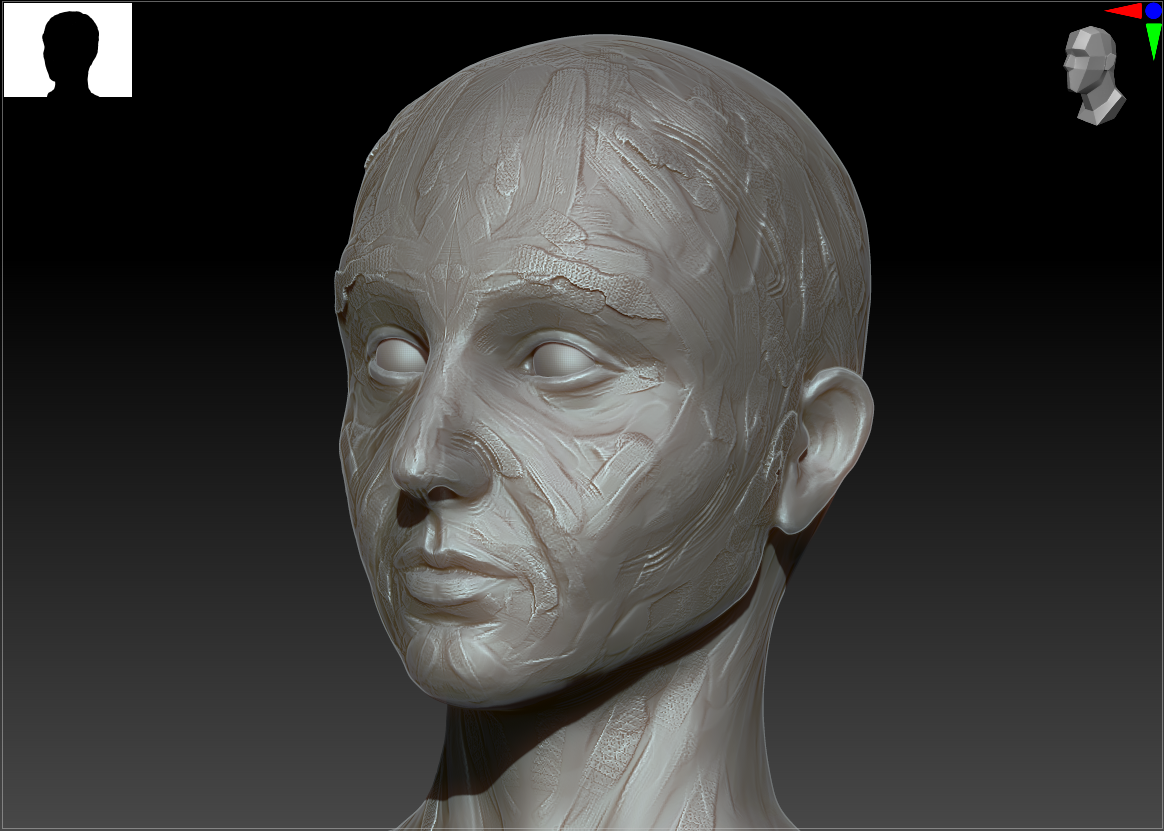
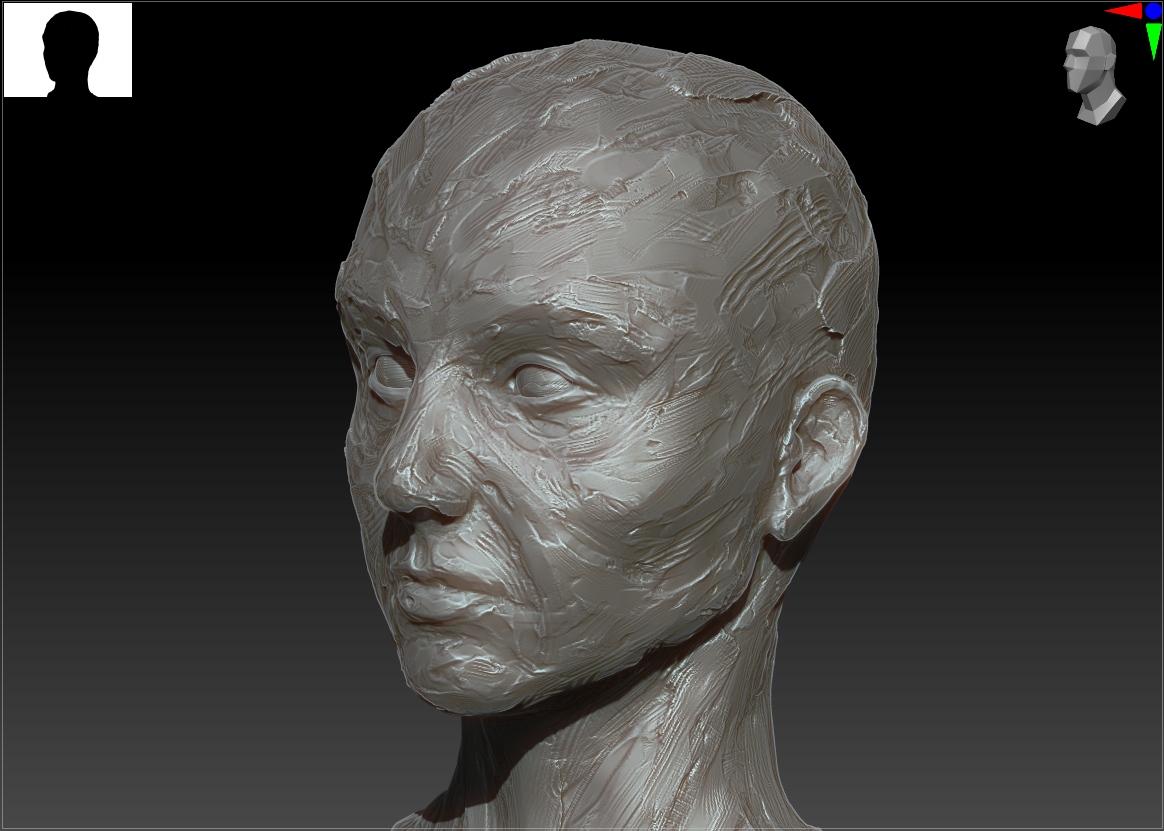
For my second attempt at achieving the clay effect, I made liberal use of the ThickSkin feature in ZBrush to be particularly destructive to the surface without distorting the underlying facial structure. Based on my earlier experiments, I mainly worked with the Fracture and ClayTrim brushes to emulate layers of knife strokes and smoothed clay.

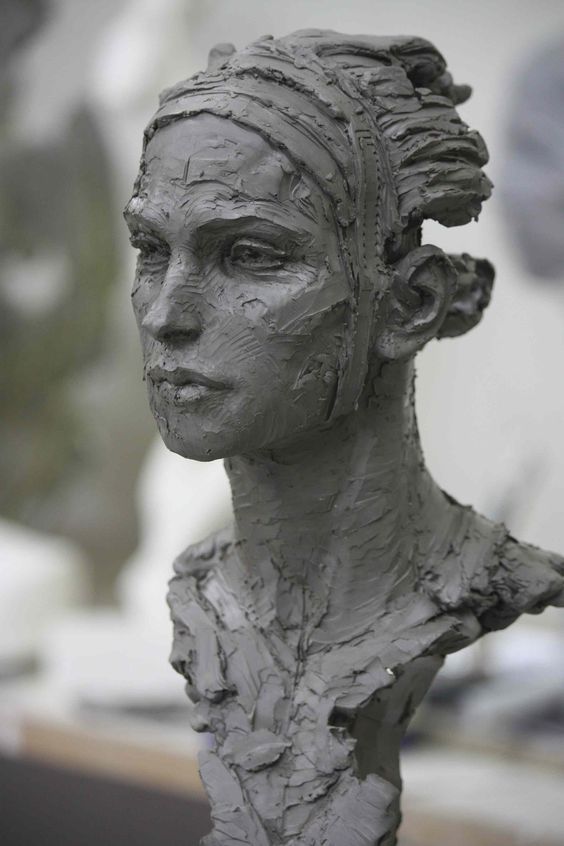
However, the skin texture started out looking less like clay and more like a decaying or diseased corpse. Looking back at the real-world reference images, I noticed that they had larger areas of alternating rough and smooth detail (less uniform), larger indents (finger marks), and a sense of layering on additional material in the bulky areas. Keeping this in mind, I turned up my ThickSkin setting and alternated between layering and flattening brushes to better effect.

Hard-surface Planar WIP

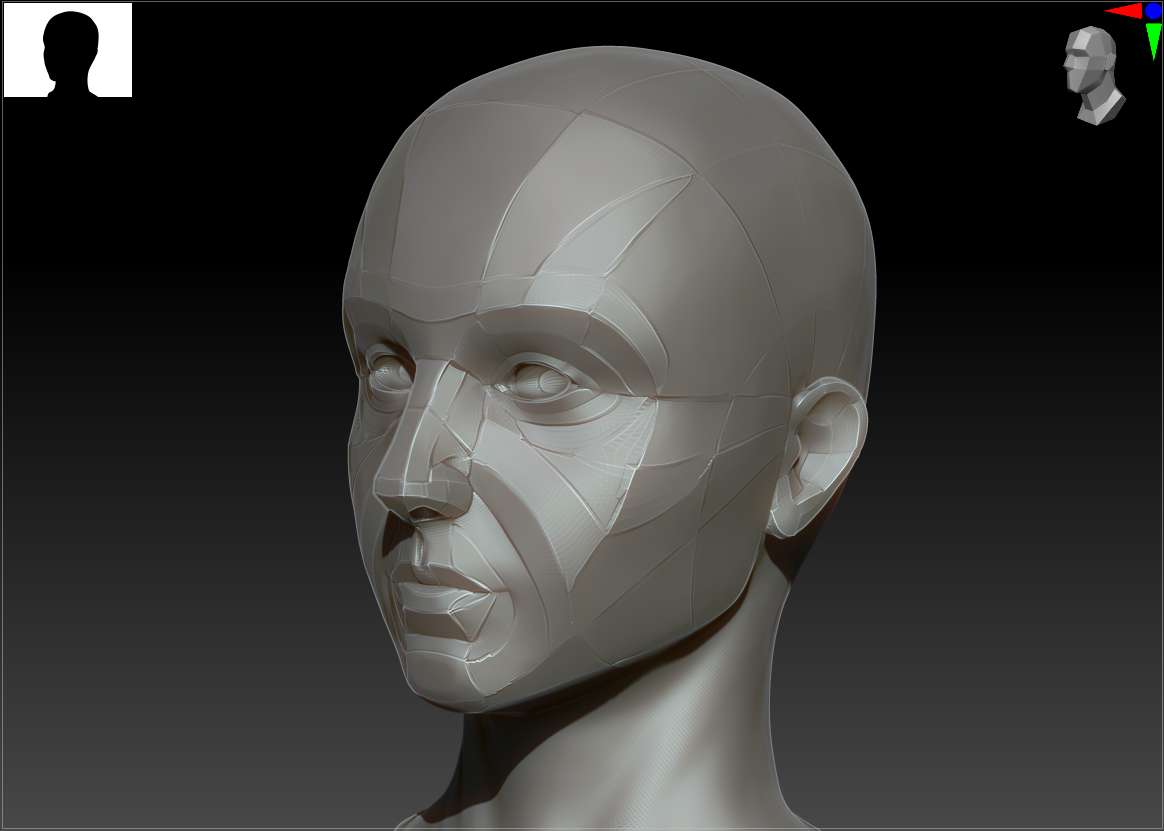
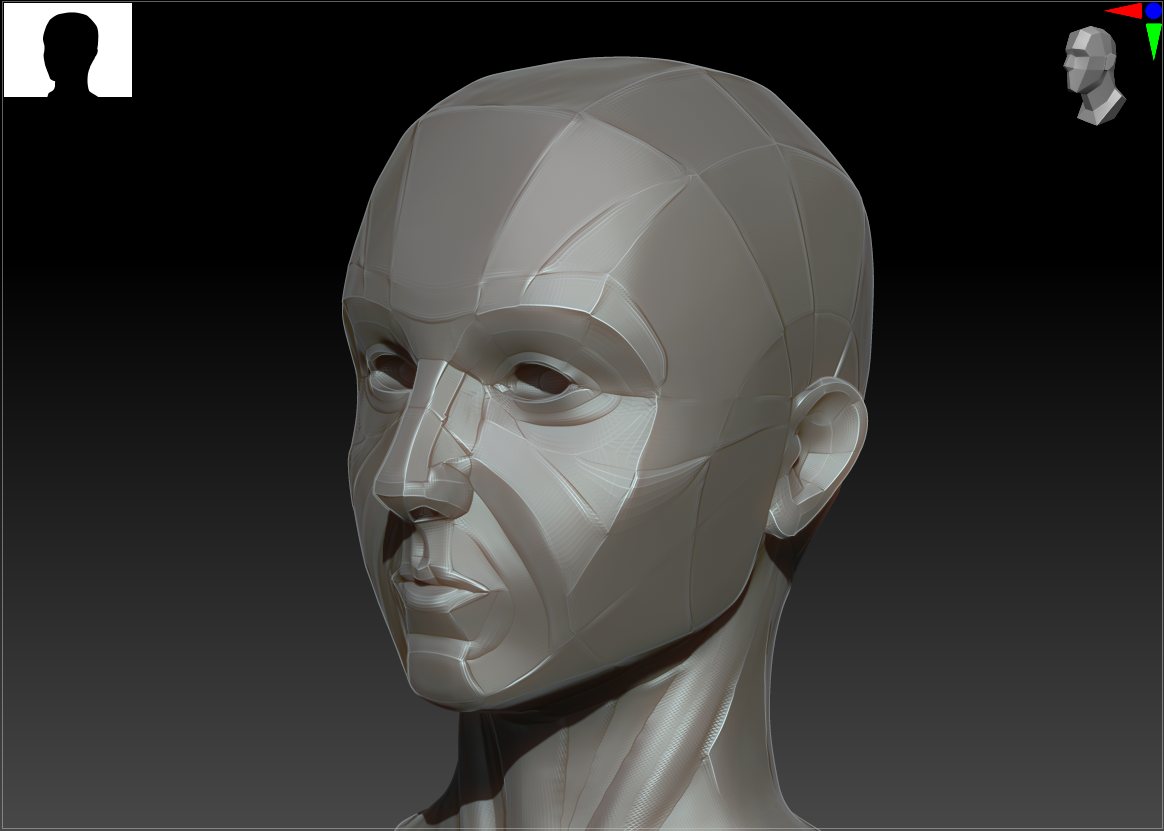
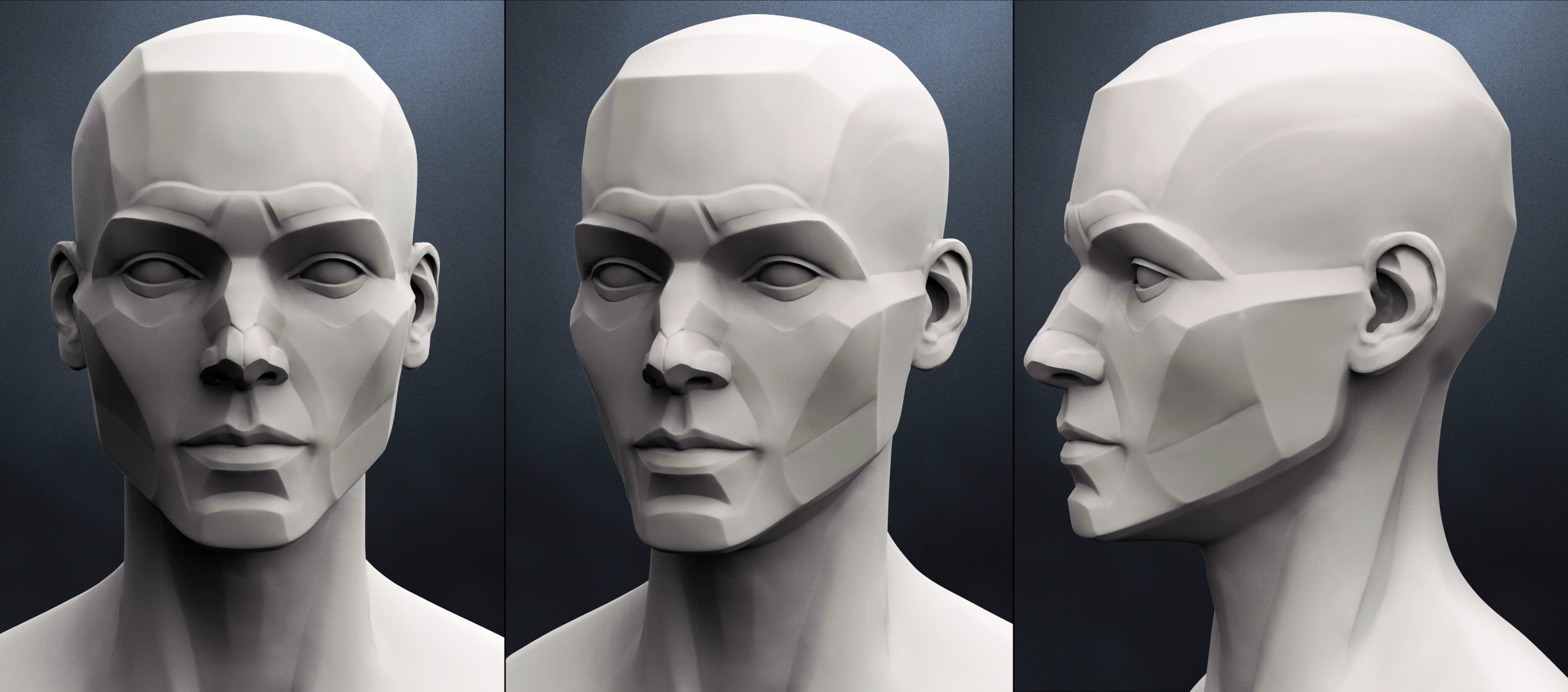
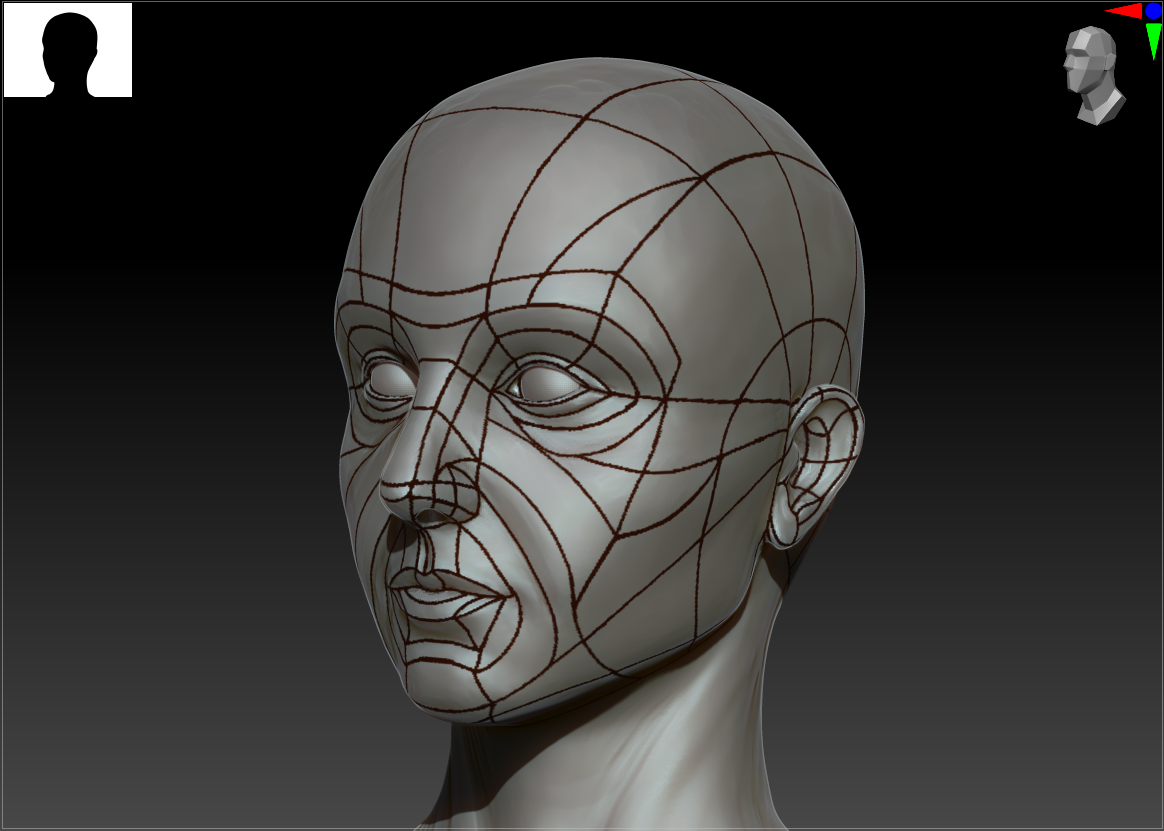
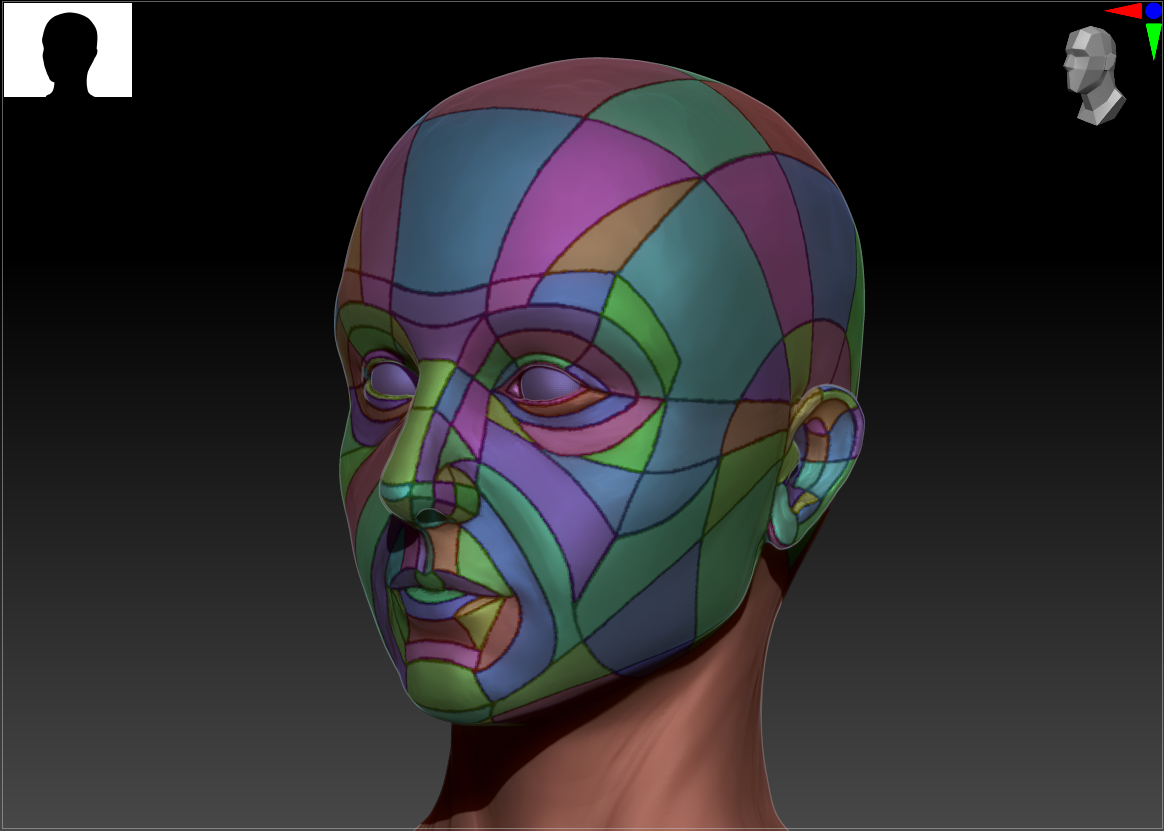
It became clear from my initial attempt at the hard-surface sculpt that I needed a better plan for where to place the planes and their dividing lines on the head. I reverted back to my original clean sculpt and started painting the lines on, looking at my anatomy book for reference. I then ran a plugin to polygroup each section and turned my brush settings to isolate their effect to a single polygroup. This allowed me to flatten and smooth each plane separately without impacting the others.

I did several passes of flattening and then group polishing, occasionally adding additional material to high points for sharper, more defined edges. I ended up reducing the polycount several times to avoid sharp dropoffs between the various planes and doing some manual retopo to clean up the dividing lines.

Given more time, I would fully retopo this piece to achieve even flatter planes, but that’s a skill I’ve yet to pick up.
Bibliography

Beane, A., 2013. Sculpting the Portrait in Cx5 Workshop. [online] Adam Beane Industries. Available at: <https://beane51.rssing.com/chan-5278455/article29.html#c5278455a29&gt; [Accessed 9 October 2021].

Zarins, U. and Kondrats, S., 2014. Anatomy for Sculptors. Exonicus LLC.
Practice 1: Red vs. Blue (A1 – 1)

Practice 1

Initial Ideas

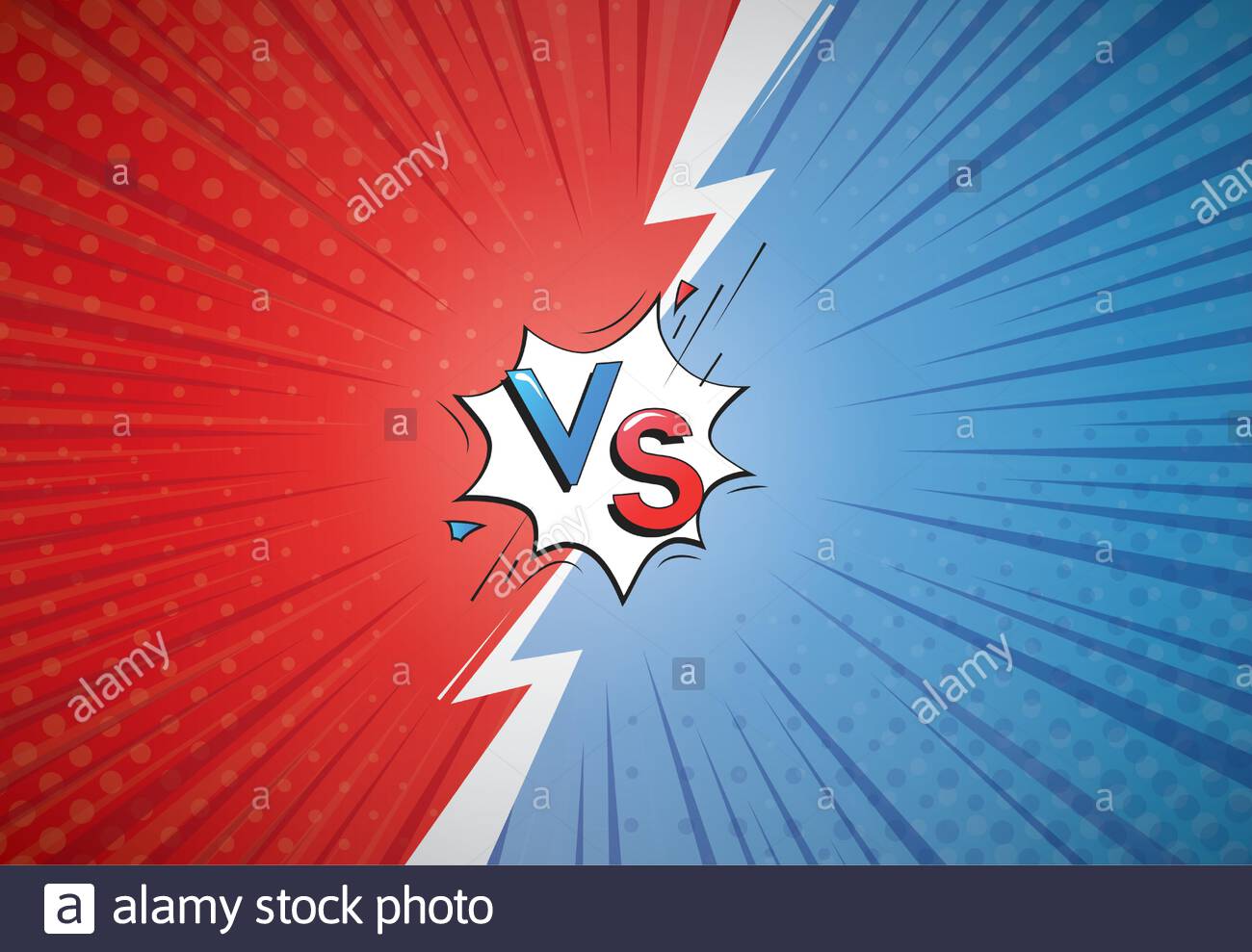
My immediate thought upon hearing the prompt “Red vs. Blue”, beyond the infamous machinima with the same name, was some kind of conflict between opposing groups. Many battle royale games feature bicolored teams; comic book battles are often depicted as opposing characters on red and blue backgrounds, gesturing across a dividing line. Therefore, I decided early on that I wanted to create two entities in a stand-off, and threw around a few ideas:

  • Red = fire/evil, blue = peaceful/ice, in an epic battle
  • Opposing characters rendered in two-color-palette challenges (often passed around art forums)
  • Vase-from-one-angle, woman-from-the-other style graphic designs where one color forms one image intertwined with another
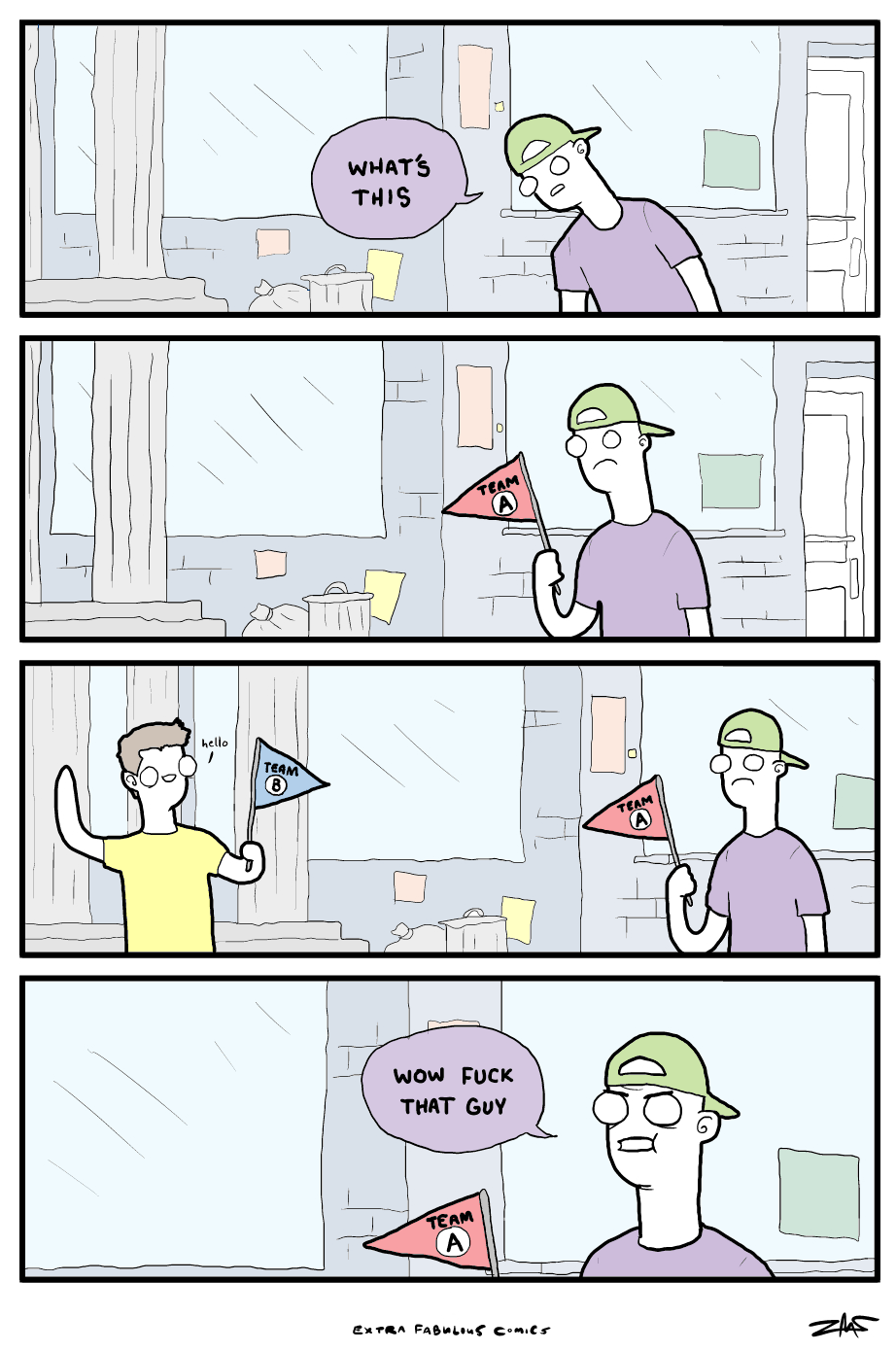
  • Comic about red and blue flags creating arbitrary teams

I still wanted to tie my piece into some aspect of 3D, and the Extra Fabulous comic in particular had me considering what kinds of ‘teams’ 3D artists tend to form with very little basis, and I landed upon…

Main Concept

When thinking in the context of my artwork, I started visualizing icons for two major 3D modeling programs: ZBrush and Maya. The two programs tend to facilitate different approaches to working (ZBrush is better for organic sculpting whereas Maya lends itself to hard-surface sculpts). I’ve noticed that many of the 3D artists I’ve interacted with, myself included, tend to have a strong preference for one or the other; I happen to be a ZBrush devotee and struggle with Maya’s crashes and obfuscating UI. In investigating further, I realized that ZBrush’s logo is orange, not red, but I couldn’t shake such a meta idea (and I figured it was close enough!). So, that will be the basis of my first project: Red vs. Blue as the war of the 3D modeling philosophies.

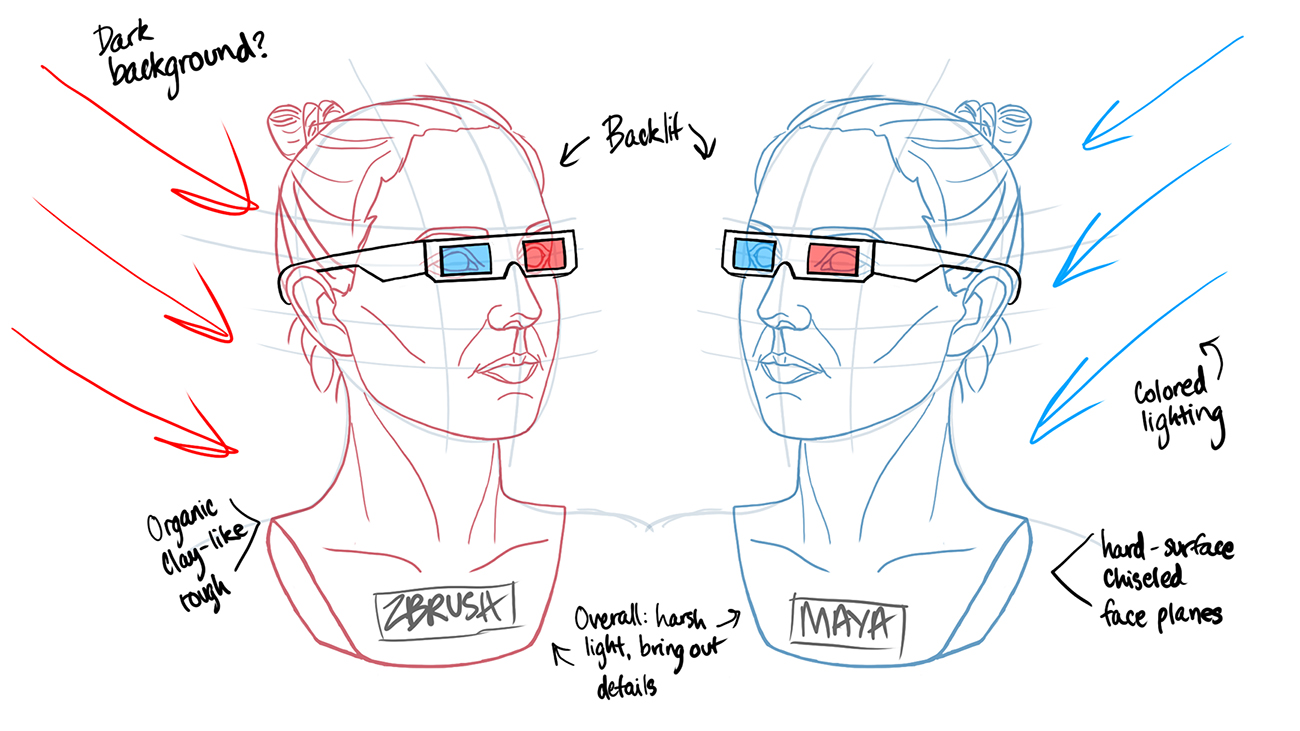
Since my current learning objective is getting faster (and anatomically better) with character sculpts, I decided to create two busts representing the two programs. Both will be heavily stylized: the red (ZBrush) very organic and clay-like; the blue (Maya) done with a hard-surface, planar, almost low-poly look. I’ve been meaning to work on my anatomy skills, as well as try out techniques for creating both effects, so this is a great opportunity to investigate further. I’ve found them both to be visually easily identifiable, but I’m still unsure of how to actually emulate these real-world techniques digitally.

For the busts themselves, I drew my inspiration from real-world clay examples and from digital planar head sculpts. I’m trying to become more comfortable with creating artwork in rough, loose styles, and appreciate how both focus on capturing the main shapes and general likeness rather than getting lost in the details. The latter were mainly created for anatomy guidance, but I liked the larger flat areas and curved lines better than true low-poly pieces (they tend to be more uniform/blocky and lose the important defining lines of the head).

Finishing Touches

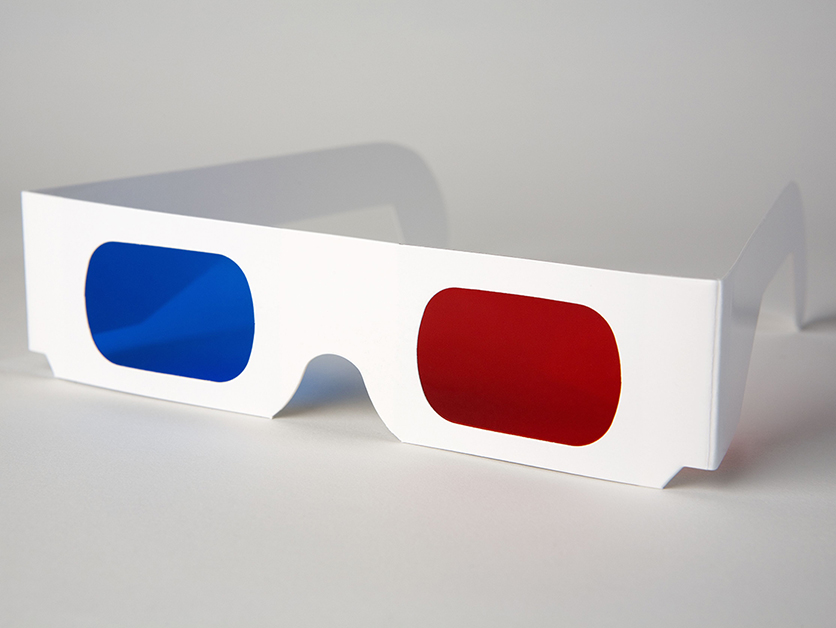
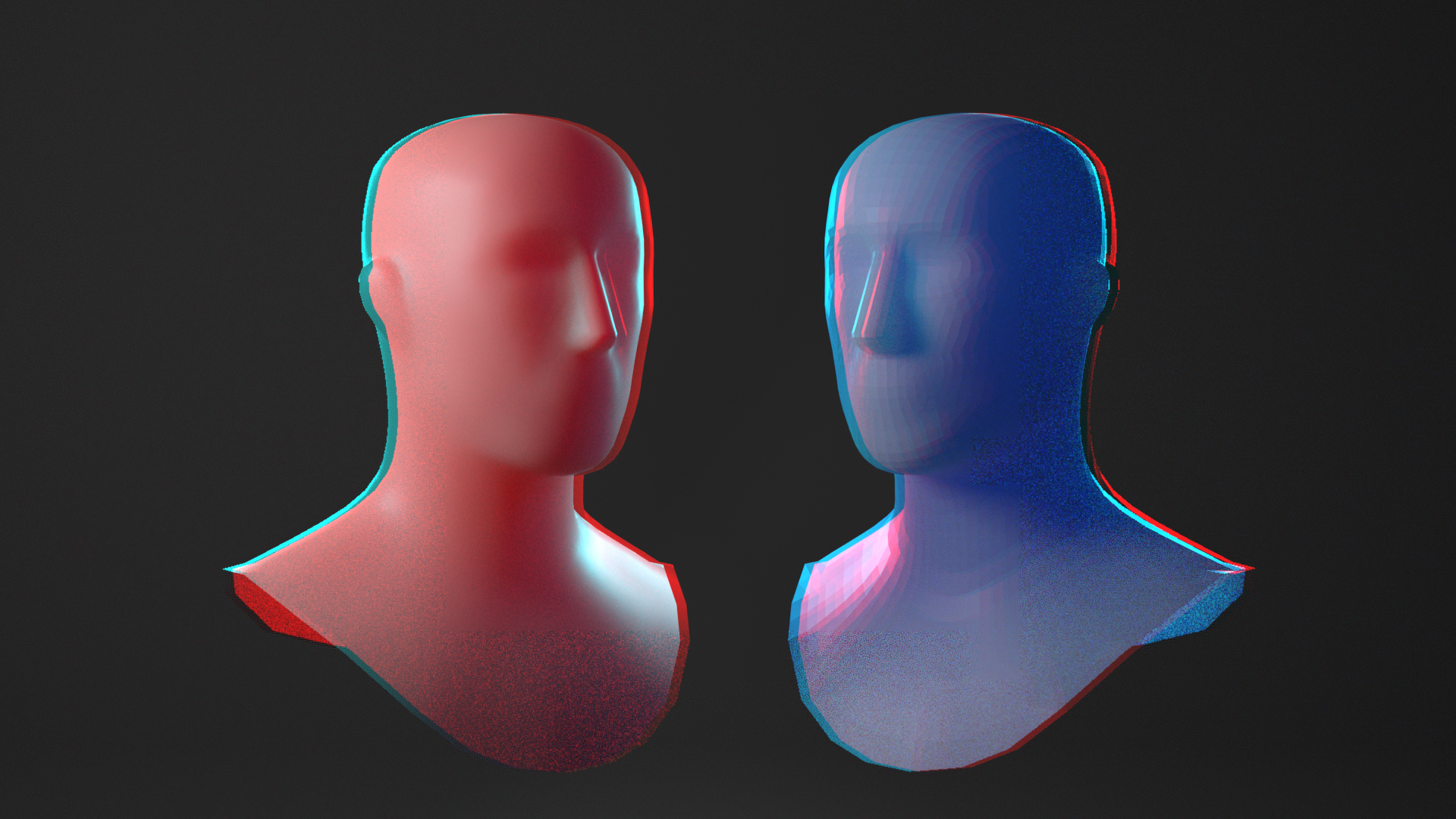
Since the concept of competing software is fairly abstract, I considered ways to tie it back to 3D, most iconically represented by a pair of (old-school) 3D glasses…which just so happen to contain red and blue lenses! I also thought of the visual effect of the glasses: shifted color channels (red and blue outlines). I wanted to incorporate both into my final piece, with characters wearing 3D glasses and a chromatic aberration effect added to the finished render in post. I had done a similar technique previously, but looked up a quick Photoshop tutorial for a refresher and it produced exactly what I wanted. I borrowed several default head sculpts from Maya’s Content Browser and started putting together the basics of my scene, which I can hopefully quickly replace with my own sculpts.

Bibliography

Benson, C., 2021. 3D Glasses. [image] Available at: <https://www.lifewire.com/why-doesnt-3d-work-for-some-people-1996&gt; [Accessed 1 October 2021].

Charbonnel, C., 2021. Persée I. [online] Available at: <http://www.lilleartfair.com/exposants/galerie-bayart/#inline_0&gt; [Accessed 1 October 2021].

Extra Fabulous Comics. 2021. 200. [online] Available at: <https://extrafabulouscomics.com/comic/200/&gt; [Accessed 1 October 2021].

Knowledge.autodesk.com. 2021. Content Browser | Maya 2016 | Autodesk Knowledge Network. [online] Available at: <https://knowledge.autodesk.com/support/maya/learn-explore/caas/CloudHelp/cloudhelp/2016/ENU/Maya/files/GUID-9221B2E8-7E68-4ECB-94DC-ABEB21E956BF-htm.html&gt; [Accessed 1 October 2021].

Koshelnikova, N., 2021. Vs cartoon background. Comic versus duel battle or team challenge concept with radial rays halftone effects lightning. Blue Vs Red vector Illustration Stock Vector Image & Art – Alamy. [online] Alamy.com. Available at: <https://www.alamy.com/vs-cartoon-background-comic-versus-duel-battle-or-team-challenge-concept-with-radial-rays-halftone-effects-lightning-blue-vs-red-vector-illustration-image367181821.html&gt; [Accessed 1 October 2021].

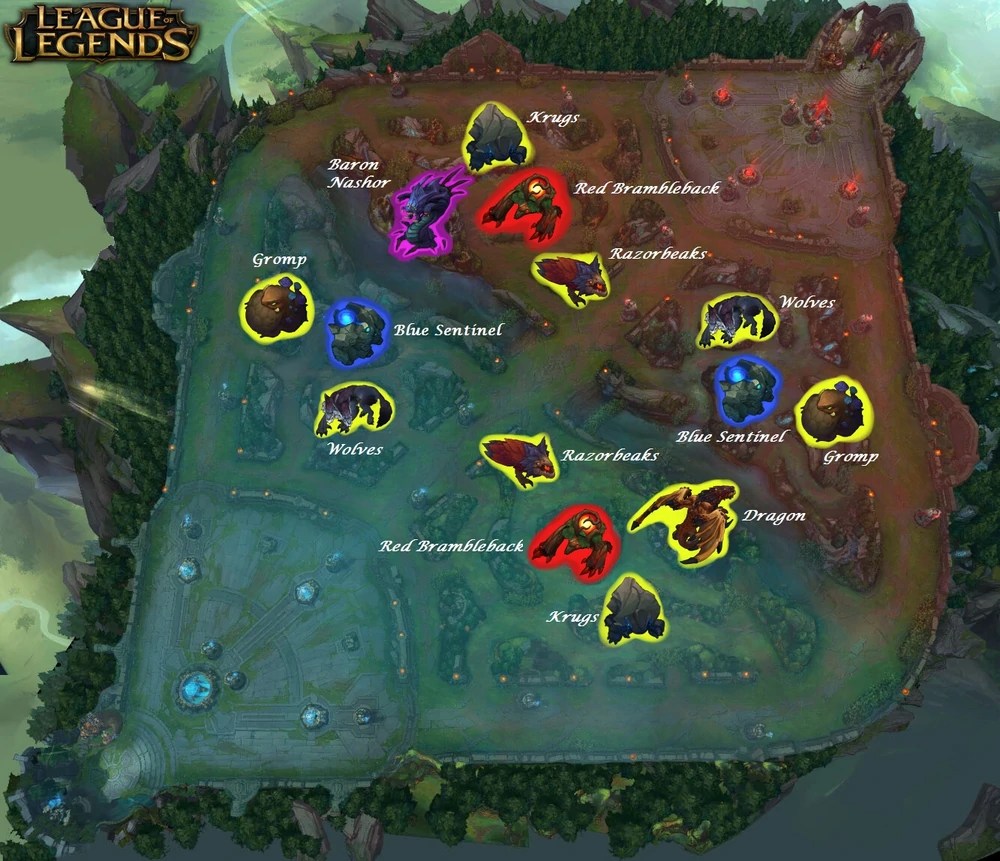
League of Legends Wiki. 2021. Jungling. [online] Available at: <https://leagueoflegends.fandom.com/wiki/Jungling&gt; [Accessed 1 October 2021].

RossDraws (2021). How to add Chromatic Aberration “Glitch” Effect in Photoshop, Procreate, and CSP. [online] Youtube.com. Available at: <https://www.youtube.com/watch?v=SmDPOkcFxss&gt; [Accessed 1 October 2021].

viktorg3d, 2021. Planes of the head – Female | 3D model. [online] CGTrader. Available at: <https://www.cgtrader.com/3d-models/character/anatomy/planes-of-the-head-female&gt; [Accessed 1 October 2021].

Zamit, S., 2021. [online] Suziezamit.co.uk. Available at: <https://www.suziezamit.co.uk/gallery/20/2.aspx&gt; [Accessed 1 October 2021].

Zarins, U. and Kondrats, S., 2014. Anatomy for Sculptors. Exonicus LLC.